I Stopped Fighting My Tools and Built a Game Engine in D
May 29, 2026 • Alexandros Kapretsos • #Community, #Guest Posts, #Project Highlights, #Code, #GameDev
Building games should be fun. At some point, it stopped feeling that way for me.
My primary workflow used to revolve around the Godot Engine and its scripting language. It was a great fit for my needs (2D games with a retro feel), but there was always a little bit of friction. Some of it was me wanting something different, and the rest was the engine shifting toward a more opinionated, editor-driven design. I always preferred a code-driven approach for my projects. One example of this can be found in my unfinished GDScript library, Sashimi.
Eventually, that friction grew with new Godot releases, leading me to where I am now: developing my own game engine in D called Parin.
Of course, Parin was not my first attempt at game development outside of Godot. My initial goal was to see if I could create a workflow as nice as the one I was used to. That led me on a long detour through languages like Nim, Go, Zig, C, and D. After all that searching, I realized D was exactly what I needed. It’s a pragmatic and unopinionated language that gets out of my way.
In this blog, I’ll go over some features of D and how I use them to make games. The TL;DR is:
- A single language for game logic and scripting.
- Fast compile times under 1 second.
- The freedom to choose the best memory allocation strategy.
- Achieving C-like speed with a much cleaner developer experience.
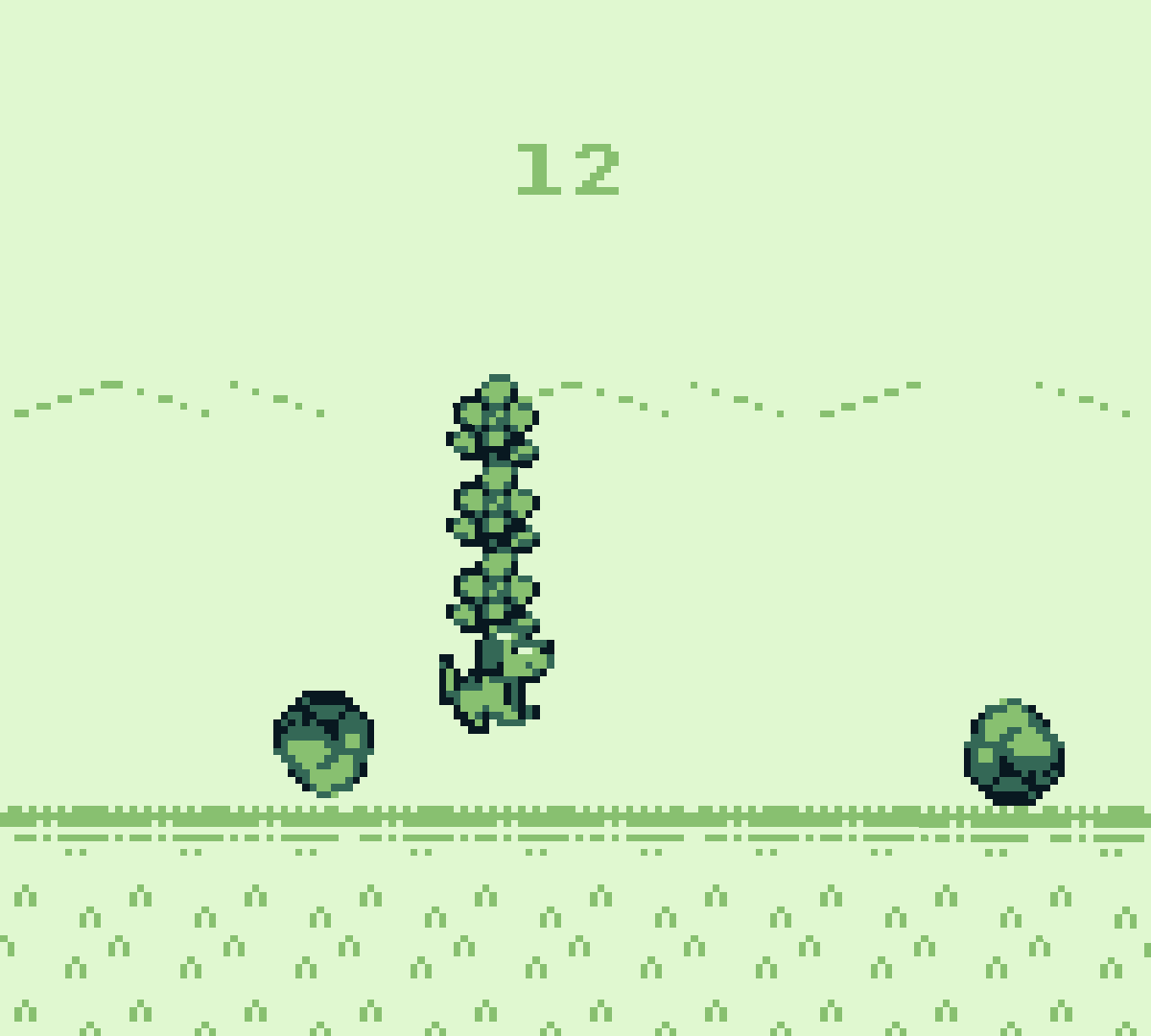
Game Made with Parin: Worms Within
Memory Management
D’s unopinionated approach is most evident in the control it gives me over memory. In Parin, I’ve structured the code so that it avoids the garbage collector by default. It instead relies primarily on static data structures and an arena allocator that is cleared at the end of every frame.
Arena Allocators
The engine implements two types of arenas:
Arena: A fixed-size buffer. It’s perfect for temporary memory where the upper bound is known.GrowingArena: A linked list ofArenachunks. This provides a “pay-as-you-go” strategy.
struct Arena {
    ubyte* data;
    size_t capacity;
    size_t offset;
    // ... metadata for checkpoints.
    Arena* next;
}

struct GrowingArena {
    Arena* head;
    Arena* current;
    size_t chunkCapacity;
}
From the two, GrowingArena is the type of the arena mentioned earlier. To make these types more ergonomic, a RAII helper is used sometimes called ScopedArena. It uses the destructor to automatically rollback the arena offset when a scope ends. Combined with D’s with statement, it creates an elegant way to work with arenas:
import parin;

void main() {
    ubyte[1024] buffer = void;
    auto arena = Arena(buffer);

    with (ScopedArena(arena)) {
        make!char('C'); // The `make` method of `ScopedArena` advances the offset.
        with (ScopedArena(arena)) {
            make!short(3);
            make!char('D');
            assert(arena.offset == 5);
        }
        // The offset is back to where it was before the nested block.
        assert(arena.offset == 1);
    }
    // The offset is back to the start.
    assert(arena.offset == 0);
}
Static Data Structures
Similar to Arena and GrowingArena, many data structures take a compile-time argument to toggle between static or dynamic allocation. The engine prefers the static versions because they avoid runtime allocations and allow for easy bundling of different data into a single block of memory. Below is a simplified example of how this works:
// A list with a dynamic capacity.
struct List(T) {
    T[] items;
    size_t capacity;
}

// A list with a fixed capacity.
struct FixedList(T, size_t N) {
    T[N] data;
    size_t length;

    T[] items() {
        return data[0 .. length];
    }

    enum capacity = N;
}

// A 2D grid. Type `D` defines its behavior.
struct Grid(T, D = List!T) {
    D tiles;
    int rowCount;
    int colCount;

    void fill(T value) {
        foreach (ref tile; tiles.items) {
            tile = value;
        }
    }
}

// A dynamic grid type.
alias Rooms = Grid!short;
// A static grid type.
alias Map = Grid!(short, FixedList!(short, 128 * 128));
In the example above both List and FixedList share a common public interface (items and capacity). While their underlying types differ, with items being a variable for the first and a property for the other, they remain functionally compatible. Consequently, generic functions that work with Grid types will use either without issue.
Below is a more complicated example of this from Parin: a generational array (handle map) type:
struct GenList(T, D = SparseList!T, G = List!Gen) if (isGenContainerPartsValid!(T, D, G)) {
    D data;
    G generations;
}

bool isGenContainerPartsValid(T, D, G)() {
    static if (__traits(hasMember, D, "isBasicContainer")) {
        static if (isSparseContainerPartsValid!(T, D.Data)) {
            static if (__traits(hasMember, G, "isBasicContainer")) {
                // NOTE: Can be written better, but I don't care.
                return G.isBasicContainer && G.hasFixedCapacity == D.hasFixedCapacity;
            } else {
                return false;
            }
        } else {
            return false;
        }
    } else {
        return false;
    }
}
Dynamic Allocations
For the parts that require dynamic allocation, the engine provides two paths. It sometimes accepts user-allocated memory, meaning a user can decide exactly what kind of memory to use: GC, malloc, or stack. A good example of this is the experimental UI library for Parin called ui2:
import parin, parin.ui2;

UiContext     ui;
UiCommand[64] uiCommandsBuffer = void;
char[1048]    uiCharDataBuffer = void;

// Called once when the game starts.
void ready() {
    lockResolution(320, 180);
    // Manually manage memory for the UI using static buffers.
    ui.readyUi(uiCommandsBuffer, uiCharDataBuffer);
}

// Called every frame while the game is running.
bool update(float dt) {
    ui.beginUiFrame();
    scope (exit) ui.endUiFrame();

    // Define the UI layout and handle interactions.
    auto screen = IRect(resolution.toIVec());
    screen.subAll(8);
    auto menu = ui.rowItems(screen.subTop(20), 7, 5);
    if (ui.button(menu.pop(), "1")) println("1!");
    if (ui.button(menu.pop(), "2")) println("2!");
    if (ui.button(menu.pop(), "3")) println("3!");

    return false;
}

// Creates a main function that calls the given functions.
mixin runGame!(ready, update, null);
For everything else, it uses a “nogc” utility library I wrote called Joka. Memory allocated through Joka has to be freed manually.
And that’s it? Well, not really. A lot of programming languages would stop you right there by making you pick a main allocation strategy and allowing limited support for other ones. But D gives you more options than that.
Though Joka is designed for manual memory management, it includes a JokaGcMemory version flag. When defined, the library’s default memory allocations switch at compile time to using the garbage collector and any functions that free memory are basically a no-op. This is similar to how some C libraries provide a way to replace internal functions. Even in this setup, it is still possible to manage memory manually at run time because Joka provides an allocator API for fine-grained control. What this flag does in practice is simply replace the default allocator value passed to or used by every Joka (and Parin) function. Since GC pointers in D have the same type as any other pointer, things continue to work out of the box when changing the defaults.
This is the allocator API for Joka:
struct MemoryContext {
    void* allocatorState;
    AllocatorReallocFunc reallocFunc;

    void* malloc(size_t alignment, size_t size, const(char)[] file, size_t line) {
        return reallocFunc(allocatorState, alignment, null, 0, size, file, line);
    }

    void* realloc(size_t alignment, void* oldPtr, size_t oldSize, size_t newSize, const(char)[] file, size_t line) {
        return reallocFunc(allocatorState, alignment, oldPtr, oldSize, newSize, file, line);
    }

    void free(size_t alignment, void* oldPtr, size_t oldSize, const(char)[] file, size_t line) {
        reallocFunc(allocatorState, alignment, oldPtr, oldSize, 0, file, line);
    }
}

alias AllocatorReallocFunc = void* function(void* allocatorState, size_t alignment, void* oldPtr, size_t oldSize, size_t newSize, const(char)[] file, size_t line);
It’s a simple API that works for my needs. I know that D already includes an experimental API in the standard library. I made my own to learn how they work. I also have a bit of a “Not Invented Here” problem sometimes. We are just having fun here.
An example of allocators in action:
import joka;

void main() {
    ubyte[1024] buffer = void;
    auto arena = Arena(buffer);
    auto i = 0;
    // Use the arena to allocate memory for the numbers.
    auto numbers = List!int(arena.toMemoryContext(), 1, 2, 3);
    assert(numbers[i++] == 1);
    assert(numbers[i++] == 2);
    assert(numbers[i++] == 3);
}
To mitigate some memory bugs when JokaGcMemory is not enabled, Joka tracks all allocations in debug builds with a thread-local allocator. Parin is set up to provide immediate feedback using that information if someone forgets to free memory or attempts an invalid free. This works because the allocator API requires a file and line argument for everything it does. The reports look like this:
Memory Leaks: 5 (total 934 bytes, 8 ignored)
  1 leak, 16 bytes, source/app.d:24
  1 leak, 32 bytes, source/app.d:31
  2 leak, 128 bytes, source/story.d:17 [group: "Actor"]
  1 leak, 32 bytes, source/story.d:40 [group: "Actor"]
The tracking system also includes features like ignoring leaks and grouping allocations under a name, so the output is less noisy. It’s not a 100% solution, but it covers many practical cases. I prefer this simpler approach over smart pointer abstractions for the kind of code I write.
There is one last thing both Joka and Parin can do with memory: changing the allocator used inside a scope implicitly. If I have a function allocating things dynamically, I can “intercept” it and force it to allocate things on the stack, for example. It’s a niche feature for exceptional cases. A thread-local variable called __memoryContext is what makes it work. This mechanism is sometimes referred to as a context system.
Here is an example of managing that thread-local variable via a RAII helper called ScopedMemoryContext:
import joka;

void main() {
    ubyte[1024] buffer = void;
    auto arena = Arena(buffer);
    auto i = 0;
    // Use the arena to allocate memory for everything inside the `with` block.
    // `ScopedMemoryContext` automatically restores the previous context when exiting this block.
    with (ScopedMemoryContext(arena)) {
        auto numbers = List!int(1, 2, 3);
        assert(numbers[i++] == 1);
        assert(numbers[i++] == 2);
        assert(numbers[i++] == 3);
    }
}
I am not the biggest fan of this approach because it can make things harder to reason about. At least, that has been my experience with languages that provide a built-in way to do this with a special calling convention. The reason it’s more noticeable in those languages is that people tend to heavily reach for built-in features, so the bad parts become worse. A context system is essentially a global variable that you have to account for. It’s like the PICO-8 API with its pen color, but for memory management and with scope magic. To prevent some implicit interactions, my library code avoids changing the context and it is strictly a user-side option.
And that’s it. All this combined gives me the choice to keep manual control, let D handle everything, or use a combination of both. I can pick the best solution for a project without the compiler complaining about why I am doing things the “wrong” way. That said, D does have features that enforce strictness, like the @nogc attribute for example, but both Joka and Parin use those only when they don’t introduce extra friction. None of my libraries support @nogc fully and that is by design, even though in theory they could. Instead, a combination of the -vgc flag and knowing what my code does has been working well.
While mixing allocation strategies like this might sound weird to anyone used to a one-or-the-other approach, I’ve found plenty of use cases for it, especially when collaborating. When I’m working with people who aren’t comfortable with manual memory management, I can simply tell them to use the garbage collector while I focus on the low-level parts. This provides a setup similar to a C++ and Lua combination, but without the cross-language cost.
One other use case for mixing GC and non-GC code is the tracking system mentioned earlier. Yes, it’s “secretly” using the garbage collector. I just offload all of the work to it instead of worrying about allocations that don’t matter to my program’s performance. It’s debug-only code at the end of the day, so who cares if it uses the garbage collector or not? That code is stripped out in release builds anyway.
I think I covered almost everything I do with memory in D. Might have missed one thing, but the point still stands. Having this level of control without fighting the language is awesome!
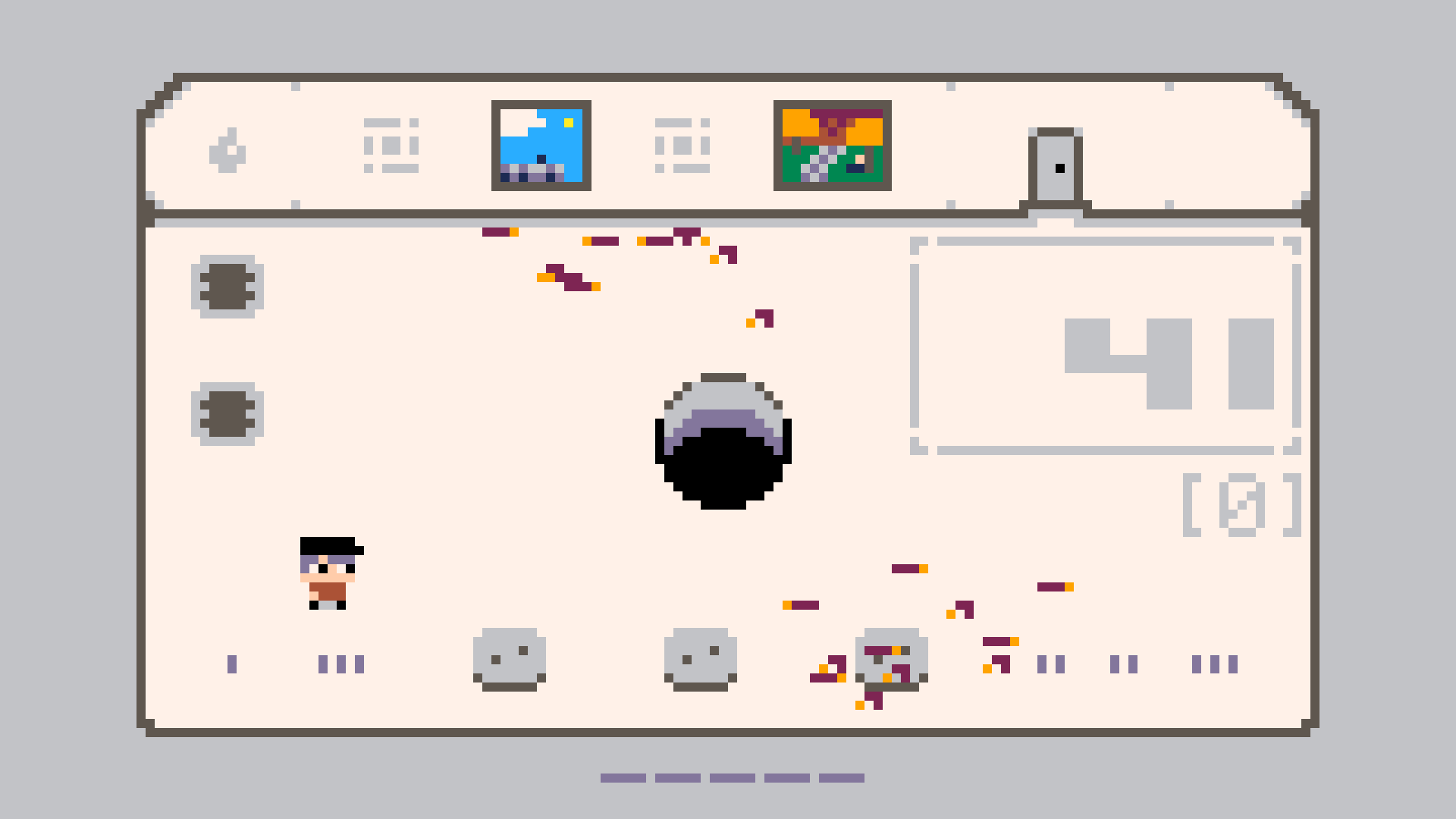
Game Made with Parin: A Short Metamorphosis
Metaprogramming
Metaprogramming is something I’m not good at, but I do enjoy it sometimes. D does a great job of providing a smooth experience for it because it feels like writing regular D code instead of a different language.
Entity Systems
One of my use cases is building entity systems. While Parin doesn’t force a specific system on you, it provides a tagged union that makes building one straightforward. It looks like this:
alias UnionType = ubyte;

struct Union(A...) if (A.length != 0) {
    union UnionData {
        // Creates the fields of the raw union.
        static foreach (i, T; A) {
            mixin("T _m", i.stringof, ";");
        }
    }

    UnionData _data;
    UnionType _type;
}

// An example of a union that holds two types.
alias Entity = Union!(Marioni, Goombani);
struct Marioni  { float x, y; int hp; }
struct Goombani { float x; }
The real type includes some extra information about its fields, which allows for safety checks at compile time. I personally use a static assert in my games to ensure that every type in the tagged union shares the same first field, the “base” of the union as I call it. This makes sure that I can safely access shared data, like position or size, without needing to manually check the active union type at runtime.
For example:
// This guarantees that accessing `base` of `Entity` is always safe.
static assert(Entity.isBaseAliasingSafe);
// Access the base shared by all types and move everything to the right.
foreach (ref e; entities.items) e.base.x += 32;
To handle specific logic for different types, I use a templated function named call. This generates a large switch statement that calls the correct method for the currently active type.
An example of using the call function:
// Automatically calls `update` and `draw` for the underlying type.
foreach (ref e; entities.items) e.call!"update"(dt);
foreach (ref e; entities.items) e.call!"draw"();
Since everything happens at compile time, the compiler will give clear error messages if a method is missing. This can be combined with D’s alias this feature to provide default implementations for types that lack the needed methods. Below is an example of what a basic entity type looks like using this approach:
import parin;

// The base type of every entity.
struct EntityBase {
    Rect body;

    // The default implementations.
    void update(float dt) {}
    void draw() {}
}

// Actor is a type of entity.
struct Actor {
    EntityBase base;
    alias base this;

    // Custom draw logic.
    void draw() {
        // `body` is part of `EntityBase`.
        drawRect(body, orange);
        drawText("Actor", body.position);
    }
}
This keeps my code clean and lets me use a “mega struct” style approach, where every entity property is in one place, without the space inefficiency of an actual mega struct. A complete example of the code above is available in the Parin repository.
Debug Tools
Moving away from game logic, the same kind of compile-time introspection is quite handy for building debug tools. Since the code can look at a struct and see every member inside it, I can, for example, write functions that automatically generate UI elements for those members. In Parin, I have a helper called headerAndMembers that I use to build debug editors for any game object:
import parin, parin.addons.microui;

Game game;

struct Game {
    int width = 50;
    int height = 50;
    IVec2 point = IVec2(70, 50);
}

void ready() {
    readyUi(engineFont, 2);
}

bool update(float dt) {
    beginUiFrame();
    scope (exit) endUiFrame();

    drawRect(Rect(game.point.x, game.point.y, game.width, game.height));
    if (beginWindow("Edit", IRect(500, 80, 350, 370))) {
        headerAndMembers(game, 125);
        endWindow();
    }
    return false;
}

mixin runGame!(ready, update, null);
Instead of manually writing a line of UI code for every single member I want to tweak, I let the compiler handle it. Any new variables added to the game state will simply appear in the editor the next time I run the game.
To customize this further, I can also use user-defined attributes to control how things behave. For example, applying @UiMember("Health") to a variable will override its display name. You can even define constraints for sliders. Applying @UiMember("Volume", 0, 100, 1) tells the editor to limit the value between 0 and 100 with a step of 1:
// The attribute used by the UI system.
struct UiMember {
    const(char)[] name; // The name of the member.
    UiReal low;         // Used by sliders.
    UiReal high;        // Used by sliders.
    UiReal step;        // Used by sliders.
}

alias UiReal = float;
Joint Allocations
Finally, one other interesting thing I do with metaprogramming is joint allocations. This is the practice of allocating multiple arrays in a single contiguous block of memory to improve cache locality and reduce allocator overhead. Though you can do this manually, D’s introspection allows for a much more elegant and safe solution.
Here is a small example of this using the jokaMakeJoint function:
import joka, std.stdio;

struct Ve2 { float x, y; }
struct Ve3 { float x, y, z; }

struct Mesh {
    Ve3[] positions;
    int[] indices;
    Ve2[] uvs;

    this(size_t positionsLength, size_t indicesLength, size_t uvsLength) {
        // `jokaMakeJoint` calculates the total size and offsets for all arrays
        // and performs a single allocation.
       this = jokaMakeJoint!Mesh(positionsLength, indicesLength, uvsLength);
    }

    void free() {
        // The first slice has the pointer that needs to be freed.
        jokaFree(this.tupleof[0].ptr);
    }
}

void main() {
    auto mesh = Mesh(4, 6, 4);
    writeln("Positions: ", mesh.positions);
    writeln("Indices: ", mesh.indices);
    writeln("UVs: ", mesh.uvs);
    mesh.free();
}
In the free method above, I use the tupleof property. In D, this allows you to access the fields of a struct as a compile-time sequence. Since jokaMakeJoint allocates one big block and points the first field to the start of it, freeing this.tupleof[0].ptr (the pointer of the first slice, positions) effectively frees the entire memory block.
These are simple things, but combined they make my code simpler.
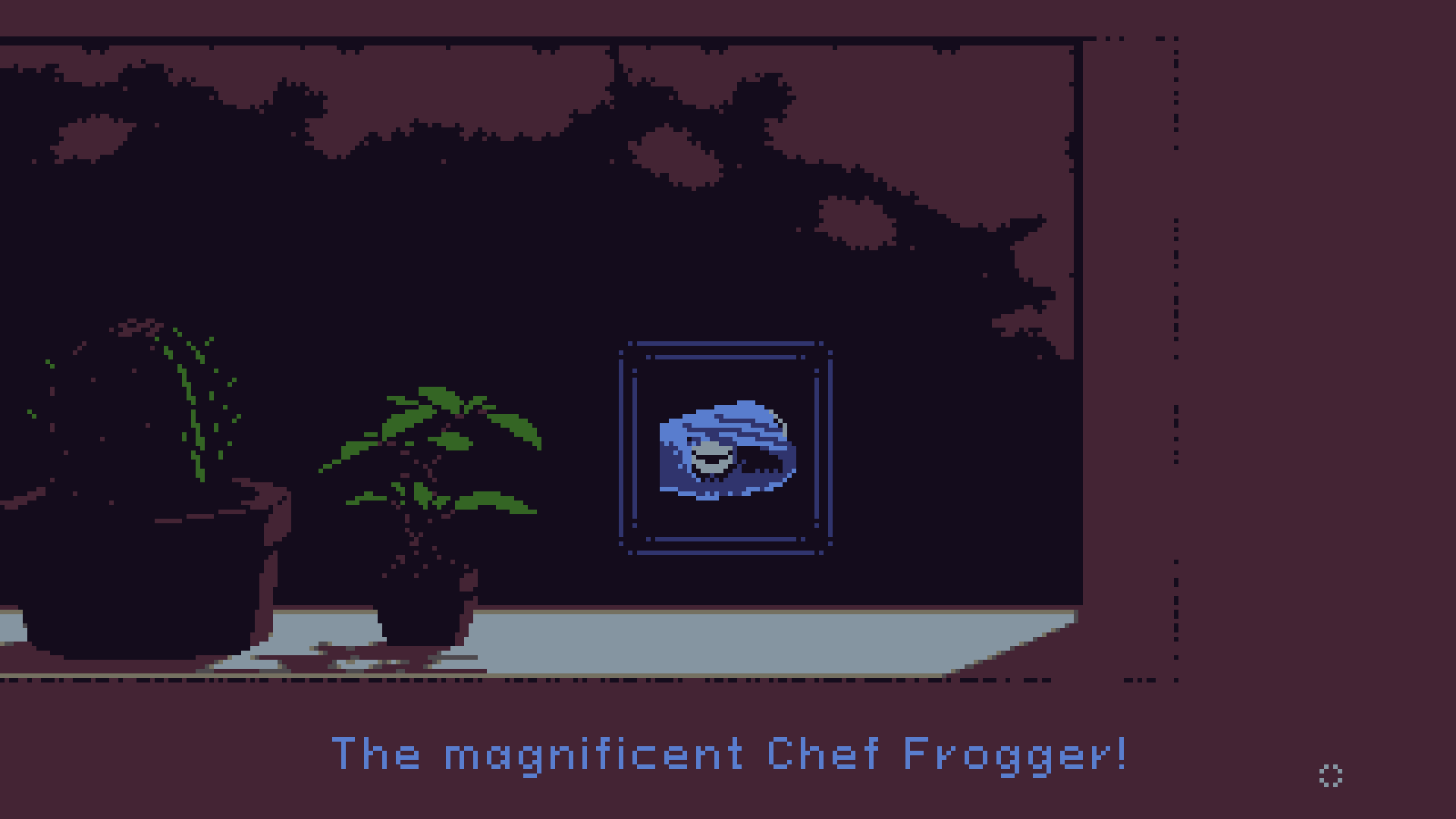
Game Made with Parin: Twenty Seconds, Twenty Steps
Compile Times
D’s compile times are remarkably fast. This alone is a major reason why I use D. On an older Ryzen 3 2200G running Ubuntu, my games currently compile in around 0.6 seconds without using a build system. I usually use DUB for building, but I’m avoiding it for this section to give a clearer picture of how fast things are without any extra build steps. Additionally, I’m using the default linker that comes with Ubuntu.
These times can drop to roughly 0.4 seconds when using the -betterC flag. Below is a breakdown of compile times for “hello world” programs using Parin and Joka:
| Compiler | Parin | Parin & -betterC |
Joka | Joka & -betterC |
|---|---|---|---|---|
| DMD | 0.585s | 0.370s | 0.296s | 0.134s |
| LDC | 1.918s | 1.634s | 0.565s | 0.565s |
| GDC | 3.535s | No flag | 0.906s | No flag |
The files used in the benchmark can be found in the example folders of both libraries with the name _001_hello.d. They intentionally import more modules than a minimal program to simulate a real-world setup. From my tests, the module that takes the longest time to compile is the math module of Joka. The basic Joka program below with -betterC, DMD, and 4 imported modules (joka.io has 3 dependencies) takes 0.081s to compile:
import joka.io;

extern(C)
void main() {
    println("Hello world", 999, '!');
}
Here is also an overview of the Parin and Joka codebase:
| Project | D Files | D Blank | D Comment | D Code |
|---|---|---|---|---|
| Parin | 37 | 3270 | 2036 | 19634 |
| Joka | 11 | 1534 | 681 | 8169 |
Overall, I get fast code and fast compile times. Those numbers obviously will vary for every D project, depending mainly on the quantity and complexity of any metaprogramming.
Workflow
Because of the fast compile times and the helpful standard library (which I haven’t mentioned until now), I also use D as a scripting language. The script that creates web builds for my games is written entirely in D. It handles packaging, asset copying, and the configuration needed for the web target. Instead of maintaining separate scripts for different platforms, I use one language everywhere and it works fine.
An example of using the web script with DUB:
dub run parin:web
The same idea is used for a small setup script for DUB projects. It generates the folders and files I usually want when starting a new game. One of them is an app.d file containing a basic “hello world” program. The script can also include a minimal entity system by passing a flag to it called entity.
An example of using the setup script with DUB:
dub init -t parin -- entity
The bottom line is that the workflow is simple. When I need automation or tooling, I just write more D. This also allows me to share code between my game and my scripts if needed. I still use shell and batch scripts when it makes sense, but most projects don’t really need them.
Moving On
I think I said a lot of nice things about D already, so I will stop here. The main point of everything is not to say that I use D to save the world or to participate in language wars. I just wanted to stop fighting my tools and get back to making games. I’m definitely still figuring things out as I go, but for now, the friction is gone, I’m having fun, and I’m actually finishing projects again. That’s enough of a win for me.
Get Involved
And this is the end. I’m Alexandros F. G. Kapretsos, a game developer and Economics student at AUEB. If you enjoyed this, feel free to check out my work:
- Check Parin and Joka on GitHub.
- Take a look at microui-d, my rewrite of rxi’s microui with bug fixes, texture support and other D-specific improvements. Parin comes with it out of the box!
- See the engine in action by playing my games on kapendev.itch.io.
- Read my personal rants about game development on dev.to/kapendev.
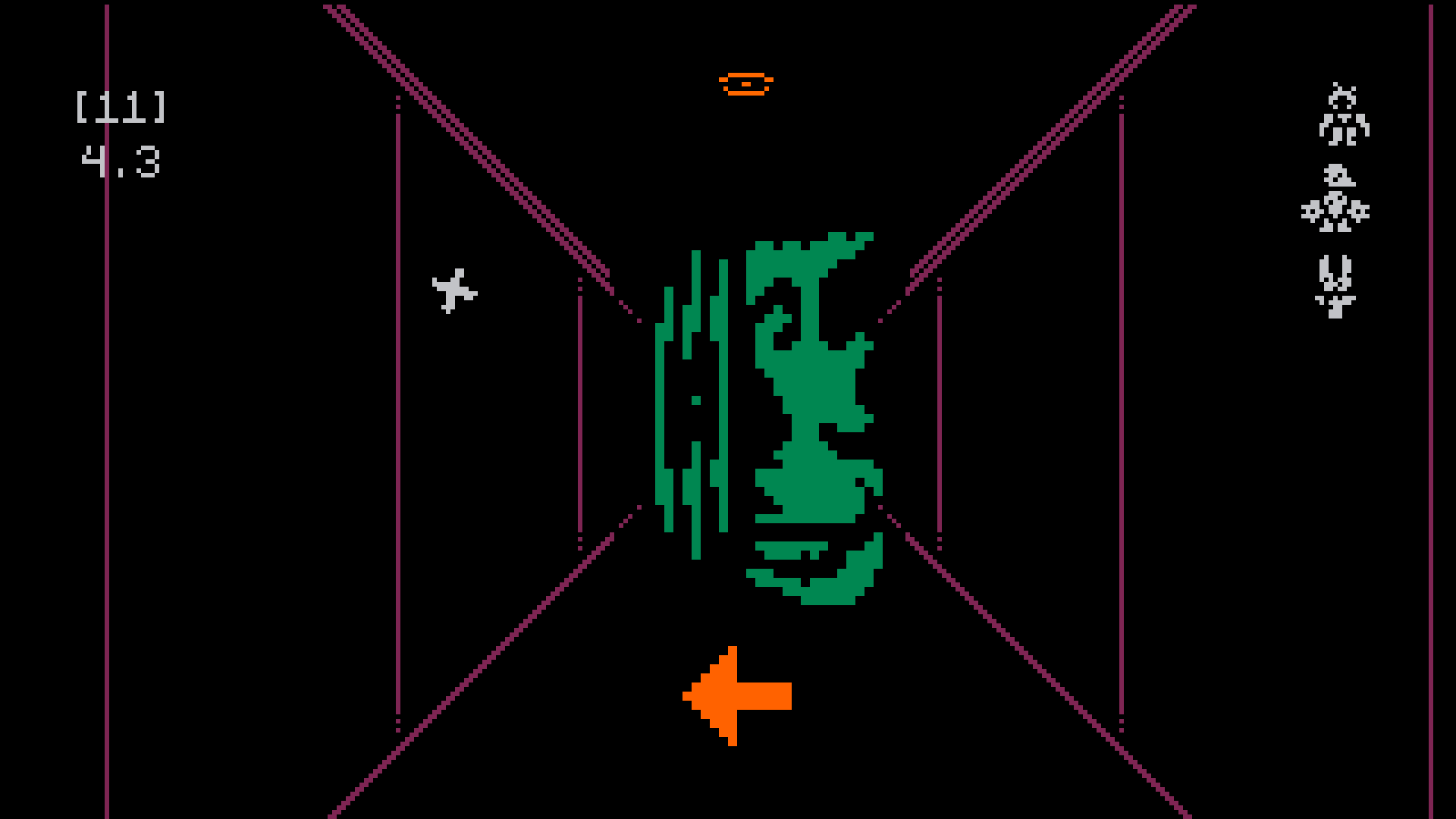
Game Made with Parin: Runani